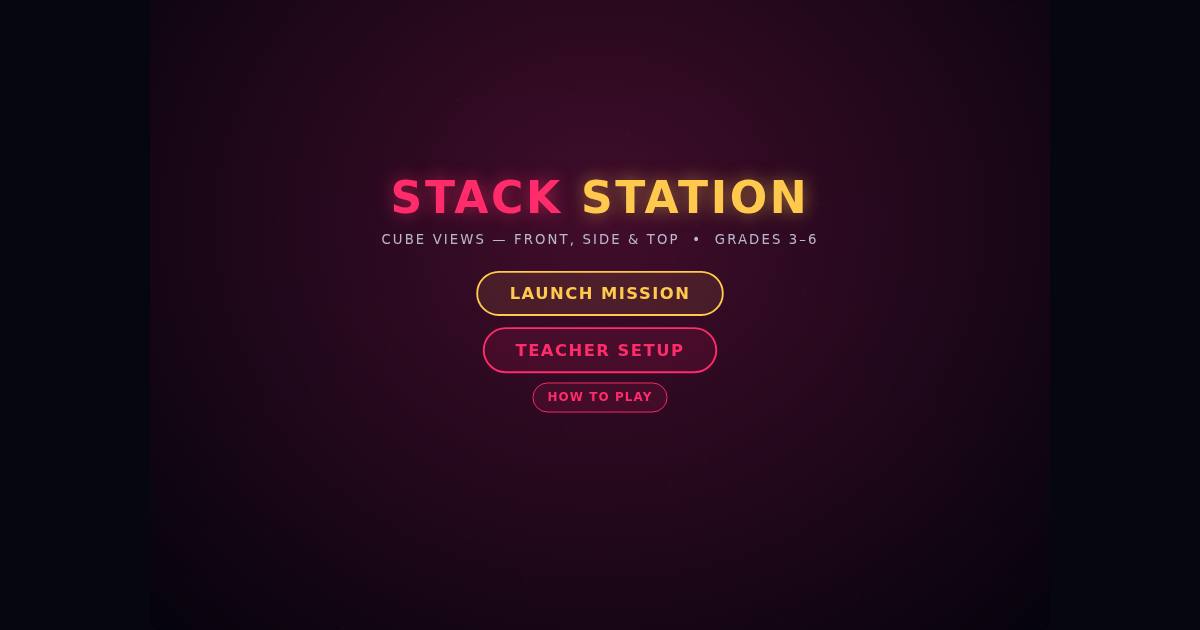
Stack Station
What students practice
Students practice spatial reasoning, building a stack of cubes on a build plate so that it matches given front, side, and sometimes top views, or a stated cube count.
How to play
Players use the arrow keys to move around the build plate, space to add a cube, Backspace to remove one, number keys 0 through 4 to set a stack's height directly, and Enter to load once every view's light turns green. A wrong load, or running out of time, costs a shield, and the station shows a stack that fits; three lost shields end the shift.
Teacher Setup
Teacher Setup lets a teacher choose which clues appear on the manifest, including cube count, the build plate size, the tallest tower allowed, and whether matching lights are shown or hidden, plus whether the answer is shown after a miss; the end screen offers a printable student report listing the skills to practice.
Play it in Starship ArcadeStack Station is one of 16 games in the Puzzles room, a members room on the Promenade.